A spilled cup of tea doesn't have to cost you your data. What you do in the first hour decides whether a laptop is recoverable — and most people do exactly the wrong thing.
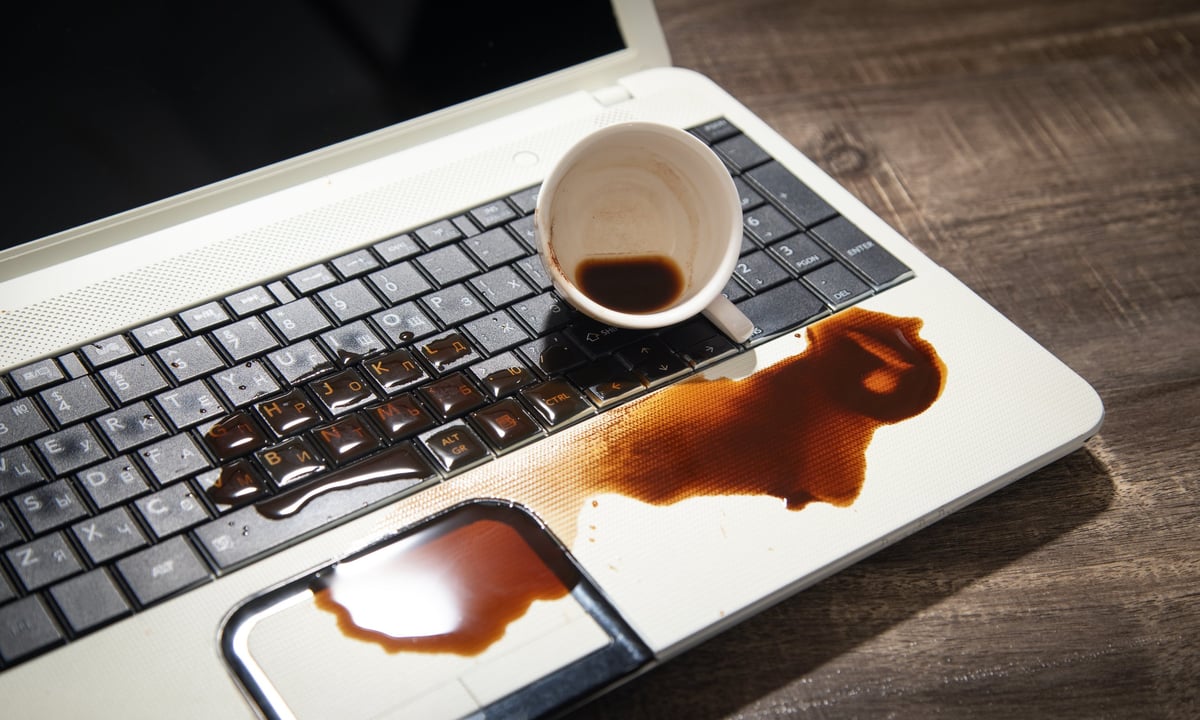
It happens in a second. A mug knocked over during a Teams call, a glass of water beside a laptop on the kitchen table, a bottle leaking inside a rucksack on the train. The laptop goes quiet, the screen flickers, and the panic sets in — usually accompanied by someone reaching for a bag of rice.
Here's the thing that surprises most people: the liquid itself rarely destroys the data. What destroys the data is what happens next — the attempts to dry it, the repeated switching on to "check if it's OK", and the days of corrosion that follow while the laptop sits in a cupboard waiting to be looked at.
The one rule to remember
Power it off, unplug it, and don't turn it back on. Every attempt to check whether it still works pushes electricity through wet components — and that is what turns a repairable laptop into a dead one.
This is the single most damaging thing you can do, and almost everybody does it. Liquid inside a laptop creates bridges between contacts that should never touch. Applying power across those bridges causes shorts, which can kill the motherboard, the power delivery circuitry, and — if the drive is powered at the same moment — the storage itself. A laptop that might have needed a clean and a new keyboard can become unrecoverable in seconds.
The same applies to charging it. Plugging in a charger "just to see if the light comes on" is the same mistake wearing a different hat.
Rice does not work. It has never worked. It is a myth that refuses to die, and it costs people their data every year.
Rice absorbs a small amount of moisture from the air immediately around it, which is not where the problem is. The liquid that matters is inside the machine, under the motherboard, in the connectors and around the drive. Rice cannot reach it. Meanwhile, rice dust and starch get drawn into the laptop and mix with the spill to form a paste that corrodes contacts and clogs cooling paths — actively making the situation worse while giving you the comforting impression you've done something useful.
Hairdryers, radiators, airing cupboards and sunny windowsills are all popular and all harmful. Heat does two bad things at once: it drives moisture deeper into places it hadn't reached yet, and it warps the delicate plastic and metal components — including, in a hard drive, the platters. A drive removed from a laptop that has spent two days on a radiator is a far worse prospect than one that arrived damp.
Corrosion is not a slow, theoretical concern. It begins within hours. Sugary drinks, milk-based coffees, wine and fizzy drinks are far worse than water — the sugar and acid leave residues that continue attacking the board long after the liquid has gone. A laptop that arrives at a lab on day one is a very different job from one that arrives on day ten.
It is tempting to open the machine and mop up what you can see. In practice, this usually means disconnecting things without recording where they went, damaging ribbon cables and clips, and spreading the contamination further across the board. There's also a real risk of the battery — a damaged lithium battery can vent or ignite, which is a safety issue rather than a data one.
Hold the power button until it shuts down. If it won't respond, don't fight it — just move to the next step.
Charger, dock, mouse, external drives, USB sticks, headphones. Liquid travels along cables, so anything connected may be affected too — and unplugging stops power reaching the machine.
Turn it so the liquid runs back out the way it came in. Keep the screen open to help heat escape.
Wipe the outside gently with a dry cloth. Don't shake it, don't press liquid further in, and don't pour anything onto it.
Store it upright, don't bag it sealed and damp, and ring someone who does this professionally. Same day beats next week by a wide margin.
There is genuine good news here. In most laptops, the storage — whether it's a hard drive or an SSD — is a separate component sitting away from the keyboard, and often partially enclosed in its own casing. Where liquid enters through the keyboard, the drive frequently stays dry altogether.
That means even a laptop that is completely dead as a machine will very often still hand over its data. The two jobs are separate: saving the laptop, and saving the data. Often only one of them is possible, and it's usually the second that people actually care about.
A note on soldered and encrypted drives
Many modern slim laptops have the storage soldered directly to the motherboard, and often encrypted. In those machines, a board-level repair or a chip-off recovery may be the only route to the data — and the encryption key may be tied to hardware that is damaged. This makes prompt, professional assessment considerably more important, not less.
Contrary to the home-remedy approach, professional recovery starts by taking the machine apart properly, photographing everything, and removing the storage before anything else is attempted. The board is then cleaned — the good ones use ultrasonic cleaning in a controlled bath, followed by proper drying in a chamber rather than on a radiator. Only then is the drive assessed on its own.
If the drive itself has been affected, it goes through the same process as any other failing drive: imaging, assessment, and reconstruction. Where the drive is fine and the laptop isn't, we simply take the data off and put it somewhere you can access it — an external drive, a new machine, or a cloud location.
A spill is a horrible moment, but the outcome is far more within your control than it feels at the time. If it has just happened, ring us before you do anything at all — the advice costs nothing, and it often makes the difference between a clean recovery and a permanent loss.
Don't switch it on. Ring us first — we'll talk you through the next ten minutes, which are the ones that matter.